Experience the power in action:
Light
Dark
Mixed
Effortless Design.
Introducing the Color Theme Manager: The ultimate plugin for creating stunning Light, Dark or Mixed themes in Divi.
Divi’s Global Colors are a great start.
diViNOUS gives you the power to master them.
Effortless Light, Dark and Mixed Theming
Instantly generate a complete, harmonious color set for Light, Dark, and Mixed modes from your base palette. Stop building themes color by color. Build them with a single click.
Built-in Accessibility & Contrast Check
Ensure your designs are beautiful and readable for everyone. Our intelligent tool checks your color combinations for WCAG compliance and helps you fix contrast issues on the fly.
Developer-Friendly Workflow
Take full control of your code. Rename and reorder CSS color variables to be semantic and intuitive. Manage multiple complete theme sets per project and jumpstart your designs with professional presets.
See the Magic in Action
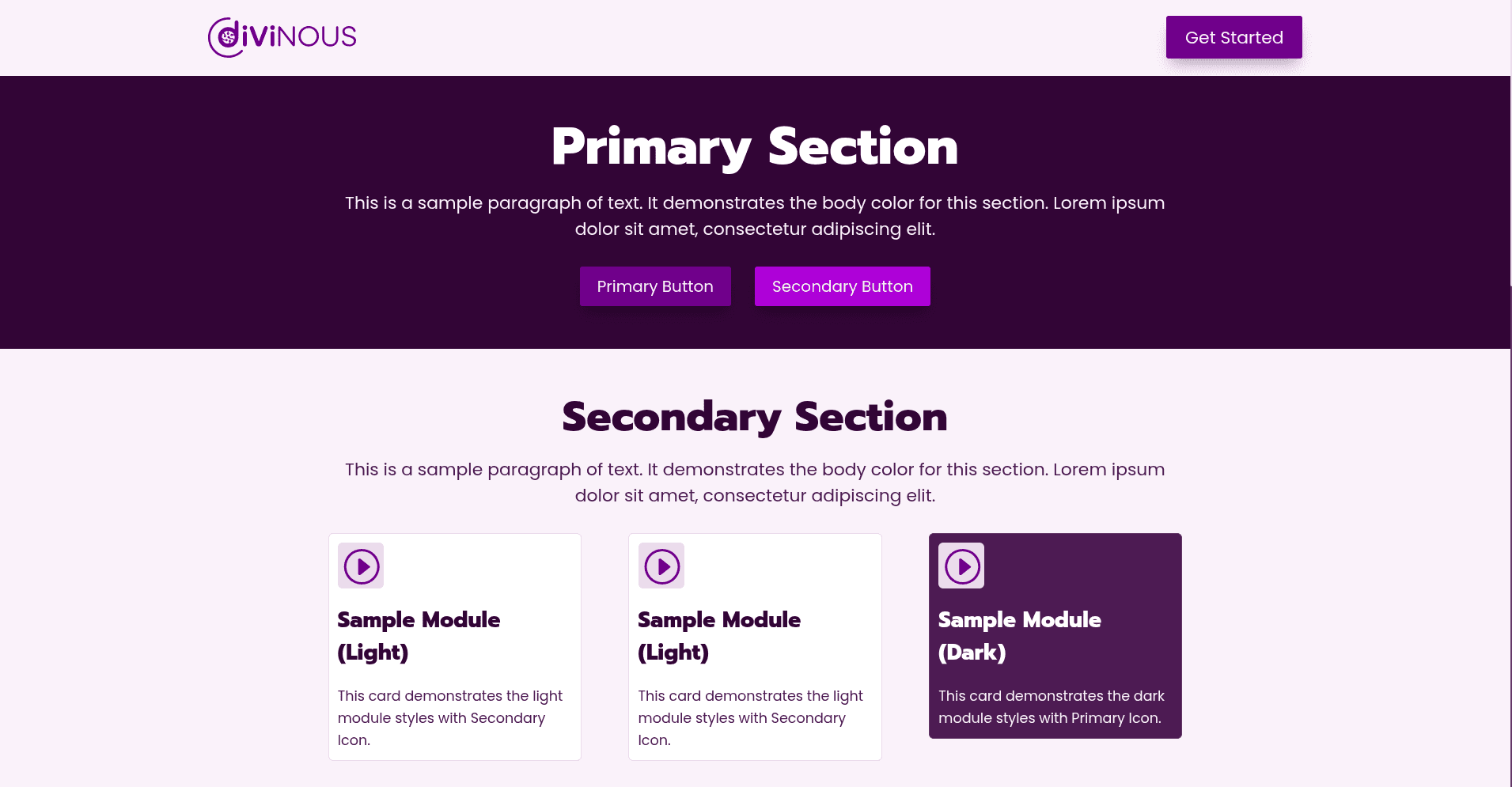
This very website is powered by the Color Theme Manager. Every theme switch you make demonstrates the plugin’s capabilities in real-time.
Optimized for a Professional Workflow
Instantly build a complete Divi theming system from professionally generated palettes, thanks to our seamless integration with the powerful color engine of websitestylekit.com
Real-Time Preview
See your color changes instantly across your entire website. No more guessing how themes will look.
One-Click Deployment
Switch between complete theme modes with a single click. Perfect for client presentations or A/B testing.
Every Detail, Designed for Your Workflow.
We obsessed over the small things so you don’t have to. Discover the full range of features that make the Color Theme Manager the most intelligent color tool for Divi.
One-Click Color Copy
Instantly copy any color code (HEX, RGB, or HSL) directly to your clipboard. No more manual selecting and copying.
Recover Deleted Colors
Accidentally removed a global color in the Divi Builder? Reactivate it with a single click from our panel. Your work is always safe.
Safe Deletion System
Prevent design disasters. Our system checks if a color is actively in use on your site before allowing you to permanently delete it.
Full Theme Generation
Automatically generate complete Light, Dark, and Mixed mode themes from a single set of base colors.
WCAG Contrast Checker
Build accessible websites with confidence. Our built-in tool ensures your text and background colors meet readability standards.
Semantic CSS Variables
Rename and reorder your color variables for cleaner, more maintainable custom CSS that you and your team will love.
Multiple Theme Palettes
Create and manage multiple, distinct color themes within the same project. Perfect for client presentations or seasonal designs.
Pro Color Presets
Kickstart your design process with a library of professionally curated color palettes that you can import with one click.
The Roadmap: The Evolution of Smart Design
The diViNOUS promise:
Your workflow will only get smarter.
The Color Theme Manager for Divi is our first step in creating truly intelligent tools for WordPress professionals. Our team is already working on the next wave of powerful features, driven by your feedback and our commitment to saving you time.
Professional Workflow & Data Control
We’re building a suite of tools for a safer, faster, and more integrated design process, giving you full control over your creative assets.
Advanced Palette Export
Bridge the gap between your website and your style guides. Export your color themes in multiple formats (CSS variables, HSL, RGB) for use in other applications.
Automatic Palette Backups
Work with confidence. The plugin will automatically save previous versions of your palettes, allowing for one-click restoration. Never lose your work again.
Automatic CSS Variable Naming
Take code clarity to the next level. Automatically rename Divi’s default color variables using the color’s name and a custom suffix of your choice.
Live Color Overrides
Need to tweak a primary color after generating the entire theme? Change it in one place and see it intelligently update across all modes and elements.
Granular Design & Front-End Flexibility
We’re giving you and your visitors unprecedented control over the visual experience, right down to the smallest detail.
Advanced Switcher Customization
Fully customize the theme mode switcher with different layouts and place it anywhere on the screen to perfectly match your site’s design.
Front-End Theme Selector
Empower your visitors by allowing them to switch between multiple, completely different saved color themes (e.g., “Winter Palette,” “Corporate Blue”), not just theme modes.
Element Exclusion
“Lock” any element, from a single module to an entire section, to its original colors, making it immune to theme mode changes.
Post-Generation Adjustments
Easily modify text/background color combinations for any element even after the initial theme creation.
Seamless Integration & Asset Expansion
Your creativity shouldn’t be limited. We are expanding our library and enabling you to bring inspiration from anywhere.
More Pro Divi Presets
A continuous stream of new, professionally designed and accessible color presets will be added to the library, ready for one-click import.
AI & 3rd-Party Palette Import
Instantly kickstart your design by importing color schemes directly from popular tools (like Coolors), an image, a URL, or even generate them with AI.
Become a diViNOUS Insider.
The Color Theme Manager is built for Divi professionals, by Divi professionals. Your workflow, challenges, and ideas are what drive our innovation. Share your vision for the perfect feature and get exclusive updates as we bring it to life.
Your Voice, Our Roadmap
The best ideas will directly influence our development priorities. Your feedback shapes the future of the Color Theme Manager.
Exclusive Updates
Be the first to know about new features, upcoming releases, and special offers. Stay ahead of the curve with insider information.
Join the Community
Connect with a network of professionals dedicated to smarter, more efficient design in Divi. Share insights and learn from the best.
Contact us
We respect your privacy. No spam, ever.
Get the Power You Need.
Simple, Transparent Pricing.
Our plans are designed to scale with your needs. Start with our powerful Basic tools for free, or upgrade to Pro to unlock the complete automated theming system.
Billing Cycle:
Annual Billing
Lifetime Deals
Tier:
Personal
1 Site
Freelancer
3 Sites
Studio
10 Sites
Agency
50 Sites
Currency:
USD
EUR
Basic
For essential Divi color management.
Free
Pro
For professionals who need the full automated theming system.
$29
per year
Premium Support is not included.
Business
For agencies & businesses who value premium support.
$49
per year
Complete Feature Comparison
Feature
Basic
Pro
Business
Core Color Management
Manage Divi Colors
Add, Link & Re-order Colors
Re-activate Deactivated Colors
Safe & Full Deletion
Save Color Palette
Advanced Theming Engine
Complete Color Theme Generation (All Modes)
Color Contrast Checker & Fixer
Real-time Theme Preview
Auto-generate Light/Dark/Mixed Modes
Front-End Color Mode Switcher
Load Pre-designed Divi Presets
Support & Service
Plugin Updates
Premium Support
All paid plans include a 14-day 100% Money-Back Guarantee. No questions asked.
Loved by Divi Professionals
Join our growing community of developers, agencies, and designers who trust diViNOUS.
"This plugin has revolutionized our design workflow. We can now deliver multiple theme variations to clients in minutes, not hours."
Alexander Ch.
Lead Designer at GenesisDirect
"The accessibility checker alone is worth the price. It's saved us countless hours of manual contrast testing."
Eero S.
Freelance WordPress Developer
"Finally, a tool that understands how real developers work. The semantic CSS variables feature is a game-changer."
Ilias K.
Tech Lead at Sigma Logic
Ready to Transform Your Divi Workflow?
Join the revolution in color management. Start for free or unlock the full Pro theming system—plans start from just $29.
All paid plans include a 14-Day 100% Money-Back Guarantee. No questions asked.
Still exploring? Try switching themes: